WatchGuard Firewalls, Renewals & Security Bundles
Get help choosing the right Firebox and security suite for your network.
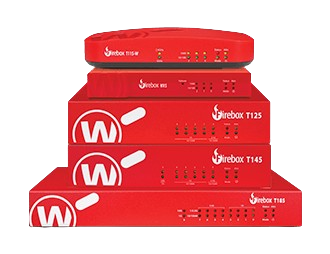
Where to start
Buying
New Firebox for a site.
Size it on user count, then pick the suite. Takes about two minutes.
Renewing
Subscription due or lapsed.
Renew per appliance. Multiple Fireboxes can be synced to one date.
Not sure yet
Talk it through.
Describe the site and we will size it and quote it.

Choose the Right Appliance
Find Your Perfect WatchGuard Firebox
Size the appliance first, then check it against how you’ll deploy it. Most buyers land on the right model in two steps.
WatchGuard offers a full range of Firebox security appliances for every deployment scenario.
Step 1 — Size it
Find the row that matches your site. Each one names where to start and what pushes you up a tier.
- 1–50 users, one site
- Start at the T25-W. Step up to the T125 once your internet circuit is faster than 1 Gb — it has the multi-gig WAN port to actually use it.
- Branch or multi-site
- The T45-PoE powers cameras and APs off the firewall. Pick the T145 instead if the branch is an SD-WAN hub — it adds a 10 Gb uplink.
Any tier can be wireless — the -W models add Wi-Fi 6 or Wi-Fi 7 on the same hardware.
Standard Support provides technical support and software updates. Basic Security Suite adds essential threat protection, while Total Security Suite adds advanced security services. Coverage depends on your selected subscription. Learn about Security Suites →
Step 2 — Browse by use case
Open the one that matches your deployment for the full shortlist and comparison links.
Ideal for is WatchGuard’s rated user count. UTM (Full Scan) is throughput with every security service on; HTTPS + IPS is encrypted traffic inspected for intrusions.
Small Business 1-50 users, basic networking
Perfect for 1–50 users, home offices, and startups.
Compact, cost-effective protection with simple management.
| Model | Ideal for | UTM (Full Scan) | HTTPS + IPS | Product page |
|---|---|---|---|---|
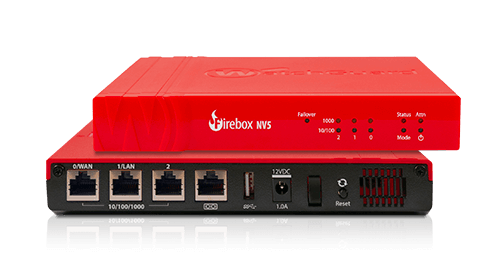 Firebox NV5 Firebox NV5 |
5 users | — | 155 Mbps | Details |
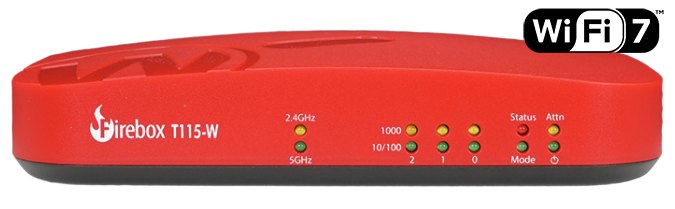 Firebox T115-W Firebox T115-W |
5 users | 280 Mbps | 140 Mbps | Details |
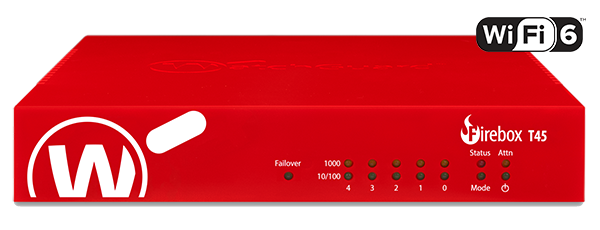 Firebox T45-CW Firebox T45-CW |
20 users | 557 Mbps | 301 Mbps | Details |
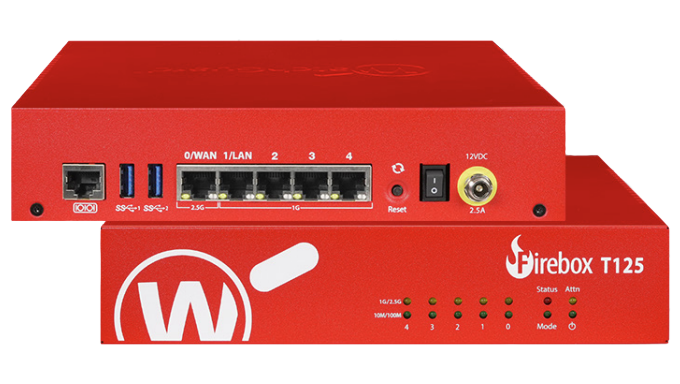 Firebox T125 Firebox T125 |
25 users | 510 Mbps | 270 Mbps | Details |
Also in this range: the T25-W and T45 / T45-W. WatchGuard does not publish comparable throughput figures for those models, so they are listed rather than charted.
Branch Office Multi-site, SD-WAN, VPN
Best for multi-site deployments, SD-WAN, and VPN-connected offices.
Designed to maintain seamless connectivity and security across distributed locations.
| Model | Ideal for | UTM (Full Scan) | HTTPS + IPS | Product page |
|---|---|---|---|---|
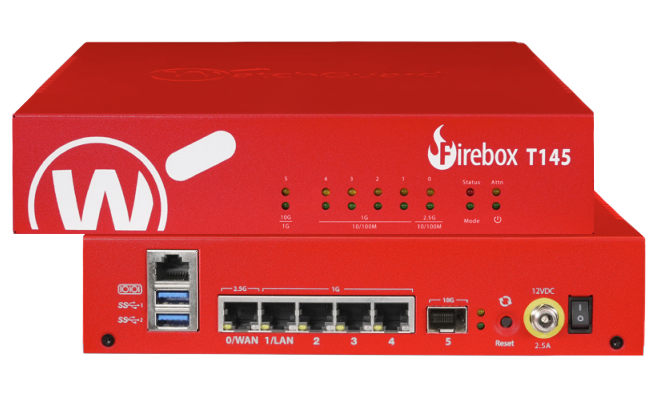 Firebox T145 Firebox T145 |
50 users | 710 Mbps | 380 Mbps | Details |
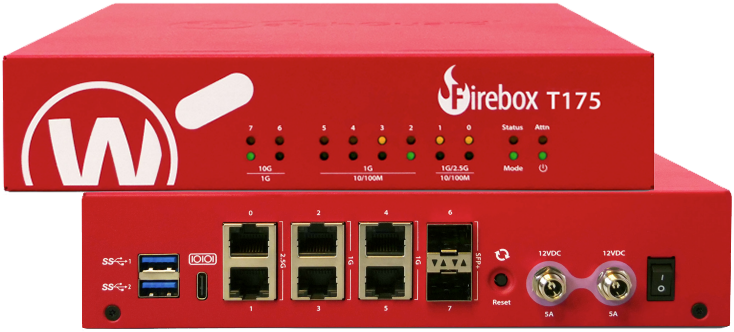 Firebox T175 Firebox T175 |
100 users | 2.30 Gbps | 1.45 Gbps | Details |
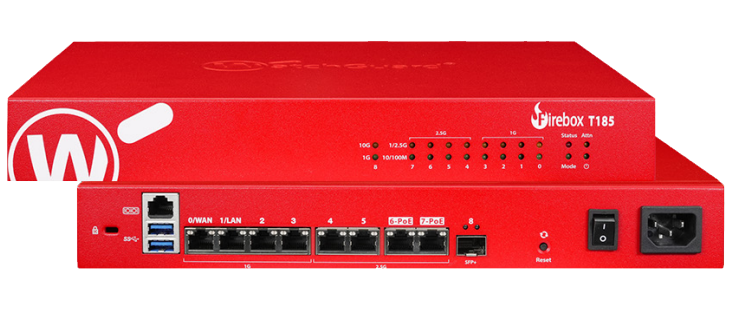 Firebox T185 Firebox T185 |
100 users | 1.83 Gbps | 1 Gbps | Details |
 Firebox M295 Firebox M295 |
100 Users | 1.85 Gbps | 1.12 Gbps | Details |
Also in this range: T45-PoE and T45-W-PoE when you need PoE+ for cameras or access points — no published throughput figures to chart.
Enterprise High throughput, compliance
High-performance appliances for corporate networks and compliance-heavy environments.
| Model | Ideal for | UTM (Full Scan) | HTTPS + IPS | Product page |
|---|---|---|---|---|
 Firebox M395 Firebox M395 |
250 Users | 3 Gbps | 1.9 Gbps | Details |
 Firebox M495 Firebox M495 |
500 Users | 6.3 Gbps | 3.5 Gbps | Details |
 Firebox M595 Firebox M595 |
850 Users | 7.2 Gbps | 4.8 Gbps | Details |
 Firebox M695 Firebox M695 |
1250 Users | 10.2 Gbps | 5.2 Gbps | Details |
Past 1,250 users the line continues with the M4850, M5850 and M6850. Previous-generation M390, M590, M690, M4800 and M5800 units remain available. Virtual deployments run FireboxV.
Wireless Wi-Fi 6/7, hybrid workspace
Built for modern Wi-Fi 6 & 7 environments and secure hybrid deployments.
| Model | Ideal for | Wireless | UTM (Full Scan) | Product page |
|---|---|---|---|---|
| Firebox T115-W |
5 users | Wi-Fi 7 integrated | 280 Mbps | Details |
| Firebox T45-CW |
20 users | Wi-Fi 6 + built-in 5G modem | 557 Mbps | Details |
| Firebox T125 |
25 users | Wi-Fi 7 optional (T125-W) | 510 Mbps | Details |
| Firebox T145 |
50 users | Wi-Fi 7 optional (T145-W) | 710 Mbps | Details |
Wi-Fi is an option on the appliance, not a separate tier. For dedicated coverage add an access point: AP330 or AP430CR.
Tabletop Firebox Appliances
Built-in PoE+ with optional Wi-Fi or 5G. Ideal for small offices and branches.
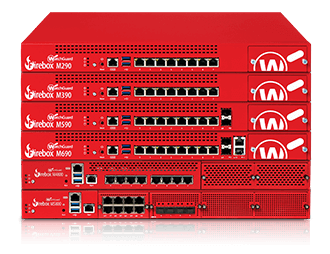
Rackmount Firebox Appliances
1U models for growth, modular ports and dual power.
What’s New
The Newest Firebox Models
Featuring multi-gig throughput, SFP/SFP+ flexibility, and Wi-Fi 7 wireless performance. Perfect for small offices, branches, and growing enterprises.
See all 13 new models · Compare Tabletop · Compare Rackmount



Explore All Models
Complete WatchGuard Firebox Lineup
Browse and compare every WatchGuard Firebox model, including tabletop, rackmount, virtual, and cloud appliances. Find the best fit for your organization’s security needs.
Reading the columns: UTM Full Scan is throughput with every security service switched on — the number that matters most in practice. IMIX and UDP 1518 are standard traffic profiles used for firewall benchmarks; IMIX mixes packet sizes like real traffic, UDP 1518 uses large packets and always reads highest. HTTPS + IPS is encrypted traffic inspected for intrusions.
Tabletop Firebox Appliances
| Model | Firewall (IMIX) | VPN (IMIX) | UTM Full Scan | HTTPS + IPS | Product page |
|---|---|---|---|---|---|
| Firebox NV5 |
150 Mbps | 62 Mbps | — | 155 Mbps† | Details |
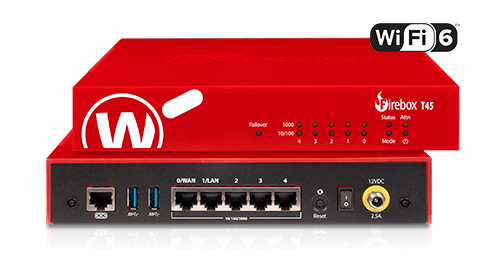 Firebox T45-C Wireless Firebox T45-C Wireless |
1.44 Gbps | 460 Mbps | 557 Mbps | 301 Mbps | Details |
| Firebox T115 Wireless |
320 Mbps | 210 Mbps | 280 Mbps | 140 Mbps | Details |
| Firebox T125 |
660 Mbps | 480 Mbps | 510 Mbps | 270 Mbps | Details |
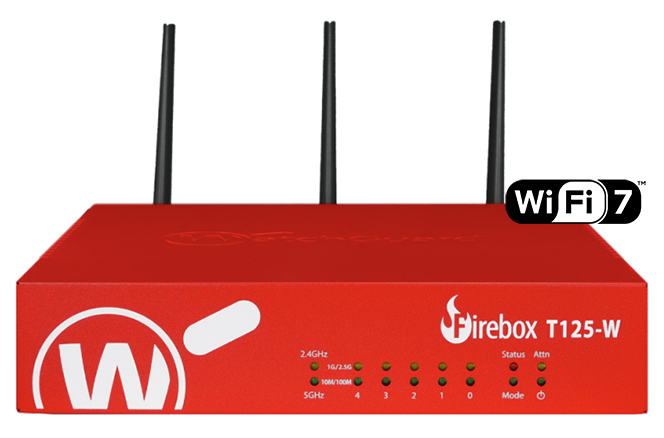 Firebox T125 Wireless Firebox T125 Wireless |
660 Mbps | 480 Mbps | 510 Mbps | 270 Mbps | Details |
| Firebox T145 |
1.34 Gbps | 680 Mbps | 710 Mbps | 380 Mbps | Details |
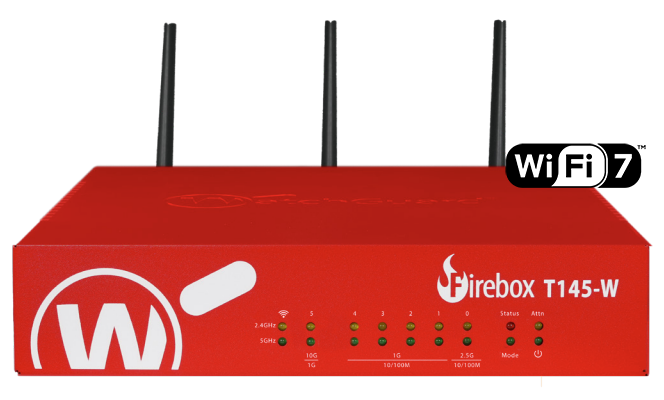 Firebox T145 Wireless Firebox T145 Wireless |
1.34 Gbps | 680 Mbps | 710 Mbps | 380 Mbps | Details |
| Firebox T175 |
- Gbps | 1.17 Gbps | 2.30 Gbps | 1.45 Gbps | Details |
| Firebox T185 |
5.70 Gbps | 1.14 Gbps | 1.83 Gbps | 1 Gbps | Details |
† The NV5 is rated for HTTPS Full Scan rather than HTTPS + IPS, so that figure is not directly comparable with the rest of the column.
Rackmount Firebox Appliances
| Model | Firewall (UDP 1518) | VPN (IMIX) | UTM Full Scan | HTTPS + IPS | Product page |
|---|---|---|---|---|---|
 Firebox M295 Firebox M295 |
7.90 Gbps | 1.80 Gbps | 1.85 Gbps | 1.12 Gbps | Details |
 Firebox M390 Firebox M390 |
18 Gbps | 1.8 Gbps | 2.4 Gbps | 1.32 Gbps | Details |
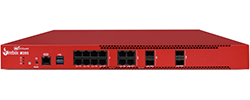 Firebox M395 Firebox M395 |
20 Gbps | 2.55 Gbps | 3.0 Gbps | 1.9 Gbps | Details |
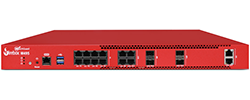 Firebox M495 Firebox M495 |
37 Gbps | 3.0 Gbps | 6.3 Gbps | 3.5 Gbps | Details |
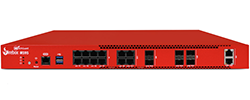 Firebox M595 Firebox M595 |
43 Gbps | 3.5 Gbps | 7.2 Gbps | 4.8 Gbps | Details |
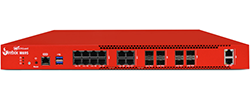 Firebox M695 Firebox M695 |
45 Gbps | 4 Gbps | 10.2 Gbps | 5.2 Gbps | Details |
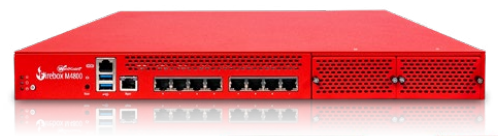 Firebox M4800 Firebox M4800 |
49.6 Gbps | 4.8 Gbps | 5.2 Gbps | 3.0 Gbps | Details |
 Firebox M4850 Firebox M4850 |
66.5 Gbps | 4.1 Gbps | 19.1 Gbps | 8.8 Gbps | Details |
| Firebox M5800 |
87 Gbps | 5.2 Gbps | 11.3 Gbps | 4.9 Gbps | Details |
 Firebox M5850 Firebox M5850 |
79 Gbps | 5 Gbps | 27 Gbps | 13.8 Gbps | Details |
 Firebox M6850 Firebox M6850 |
104 Gbps | 9.2 Gbps | 36.5 Gbps | 18.8 Gbps | Details |
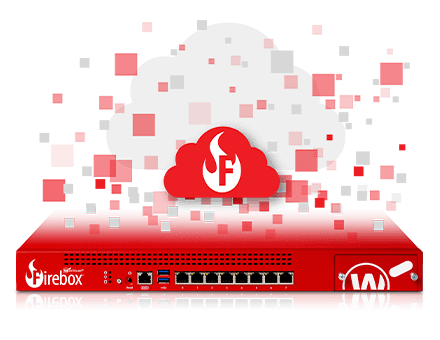
Virtual/Cloud Firebox Solutions
Firebox Cloud and FireboxV are licensed on different metrics, so they sit in separate tables.
| Model | Firewall | Nodes Supported | Branch Office VPN | Authenticated Users | Product page |
|---|---|---|---|---|---|
 Firebox Cloud Small Firebox Cloud Small |
2 Gbps | Unrestricted | 50 | 500 | Details |
| Firebox Cloud Medium |
4 Gbps | Unrestricted | 600 | 3,000 | Details |
| Firebox Cloud Large |
8 Gbps | Unrestricted | 6,000 | 6,000 | Details |
| Firebox Cloud XLarge |
Unrestricted | Unrestricted | 10,000 | Unrestricted | Details |
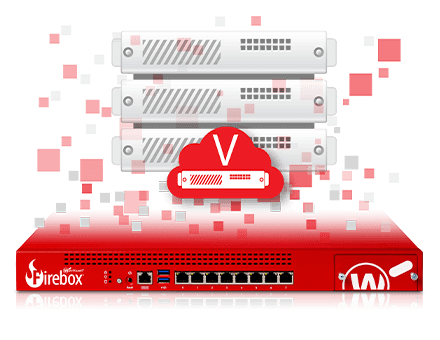
FireboxV (Virtual)
| Model | Firewall | Virtual Interfaces | Nodes Supported | VLAN | Product page |
|---|---|---|---|---|---|
 FireboxV Small FireboxV Small |
2 Gbps | 8-10 | Unrestricted | 50 | Details |
| FireboxV Medium |
4 Gbps | 8-10 | Unrestricted | 300 | Details |
| FireboxV Large |
8 Gbps | 8-10 | Unrestricted | 750 | Details |
| FireboxV XLarge |
Unrestricted | 8-10 | Unrestricted | 1,500 | Details |
Choose Your Protection Level
WatchGuard Security Suites & Support
Select the right security tier for your organization. All suites include 24×7 support.
| Service | Standard Support | Basic Security Suite | Prime Security Suite | Total Security Suite |
|---|---|---|---|---|
| Real-time firewall inspection | Included | Included | Included | Included |
| SD-WAN & VPN connectivity | Included | Included | Included | Included |
| Advance hardware replacement | Included | Included | Included | Included |
| Software updates & patches | Included | Included | Included | Included |
| Intrusion Prevention (IPS) | Not included | Included | Included | Included |
| Gateway AntiVirus | Not included | Included | Included | Included |
| Web filtering & URL blocking | Not included | Included | Included | Included |
| Application Control | Not included | Included | Included | Included |
| Email security (spamBlocker) | Not included | Included | Included | Included |
| Network visibility & reporting | Not included | Included | Included | Included |
| APT Blocker (sandboxing) | Not included | Not included | Included | Included |
| DNSWatch phishing protection | Not included | Not included | Included | Included |
| Shadow AI Visibility | Not included | Not included | Included | Included |
| Network Management | Not included | Not included | Not included | Included |
| IntelligentAV | Not included | Not included | Not included | Included |
| ThreatSync XDR correlation | Not included | Not included | Not included | Included |
| EDR Core endpoint visibility | Not included | Not included | Not included | Included |
| Support level | 24×7 | 24×7 | 24×7 | Gold 24×7 |
Each tier is cumulative: Basic is Standard plus the network security services, Prime is Basic plus the advanced protection, Total is Prime plus the advanced threat and endpoint services. Service definitions are on WatchGuard’s security services page.
Choosing by Use Case
Small Offices & Branches
→ Standard Support
- Reliable connectivity, SD-WAN, VPN
- Real-time firewall inspection
- 24×7 support & advance RMA
- Most cost-effective for uptime
SMBs, Schools & Managed Environments
→ Basic Security Suite
- Unified protection against phishing & malware
- IPS, anti-virus, app control, web filtering
- Network visibility & reporting
- Perfect for HIPAA, PCI, FERPA compliance
SMBs, Schools & Professional Services
→ Prime Security Suite
- Advanced Protection against evolving online threats
- APT Blocker for zero-day malware and ransomware
- DNSWatch blocks malicious domains
- Shadow AI Visibility detects AI apps and risks
Enterprises, MSPs & Regulated Industries
→ Total Security Suite
- AI-powered IntelligentAV for zero-day threats
- ThreatSync XDR correlation across endpoints & Cloud
- EDR Core for endpoint-level visibility
- Gold 24×7 support with 1-hour response
Still Unsure Which to Choose?
GuardSite specialists can help you size, compare, and quote the right model and bundle for your network.
Security Services
WatchGuard Security Services
Enhance your Firebox with advanced security services for threat prevention, detection, and response. Add these services to your suite or license individually.
Renewals & Upgrades
Renew, Upgrade, or Trade In Your WatchGuard
Keep your Firebox and security services active, or upgrade to the latest model. Renew subscriptions, trade up your old device, or switch from a competitor, all with expert help and fast activation.
Current Offers
Save on WatchGuard Firebox Hardware and Bundles
Trade Up runs year round — swap an older Firebox or Wi-Fi unit for current hardware and keep your services. Seasonal offers come and go, so check Promotions for anything with an end date.
WatchGuard Boost: Elevate & Save!
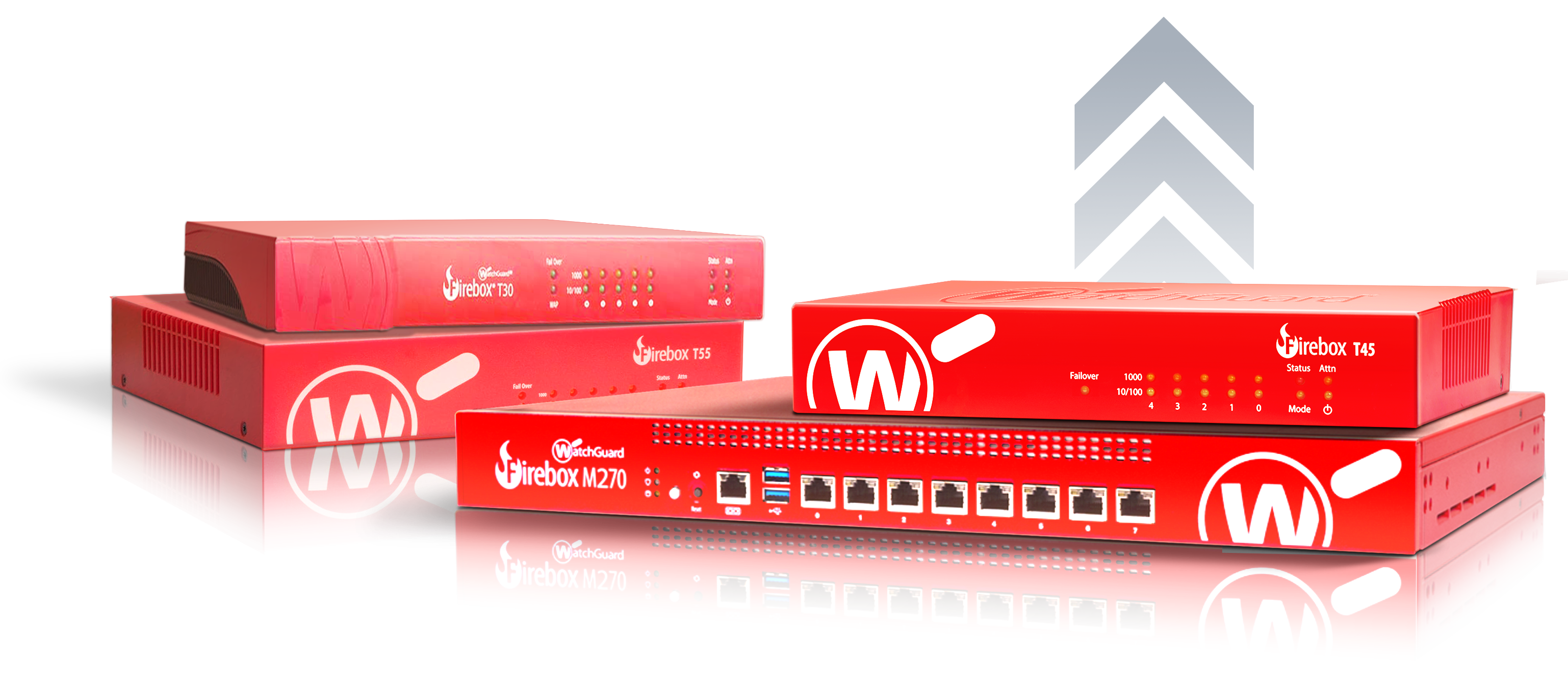
Elevate & Save with Trade Up
- Upgrade older Firebox / Wi-Fi to latest
- Modernize performance & services
- Fast, guided migration with GuardSite
Buying from GuardSite
What you get ordering through us
Same appliances, same WatchGuard warranty. The difference is who picks up the phone when the renewal date lands or the branch spec changes.
- WatchGuardONE Gold Partner
- Not a marketplace listing. We are an authorized WatchGuard online reseller and a division of BlueAlly, so licensing, registration and warranty claims go through the vendor channel properly the first time.
- Renewals handled before they lapse
- Security services stop scanning the day a subscription expires. We track your dates and quote the renewal ahead of them. Renewals & upgrades
- Trade Up, with the migration planned
- Swap an older Firebox or Wi-Fi unit for current hardware and carry your services across. We map the config before anything ships. Trade Up program
- Quotes, leasing and consulting
- Purchase orders, lease terms and multi-site rollouts are normal here. Leasing · Consulting · How to buy
Free shipping on Firebox hardware. Orders ship from the US. Shipping details
Already know the model? Skip the call and send the part numbers — we will price it and confirm stock.
Straight Answers
What buyers actually ask us
The four questions that come up on nearly every call, answered without the sales detour. Throughput and user ratings are WatchGuard’s published figures.
How do I know which Firebox I need?
Size on rated user count first, then on throughput with the security services switched on. WatchGuard rates every Firebox for a number of users, and that rating already assumes full inspection — if your headcount fits the row, the appliance fits. The common mistake is sizing on the plain firewall throughput figure, which is measured with every security service off and reads several times higher than anything you will see in production.
Two things push you up a tier regardless of headcount: an internet circuit faster than 1 Gb, which needs a multi-gig WAN port to be usable, and heavy HTTPS inspection, which is the most expensive work a Firebox does.
Manufacturer specifications: WatchGuard firewall appliances · WatchGuard datasheets
| Model | Rated for | UTM (Full Scan) | HTTPS + IPS |
|---|---|---|---|
| Firebox NV5 | 5 users | — | 155 Mbps |
| Firebox T45-CW | 20 users | 557 Mbps | 301 Mbps |
| Firebox T115-W | 5 users | 280 Mbps | 140 Mbps |
| Firebox T125 | 25 users | 510 Mbps | 270 Mbps |
| Firebox T145 | 50 users | 710 Mbps | 380 Mbps |
| Firebox T175 | 100 users | 2.30 Gbps | 1.45 Gbps |
| Firebox T185 | 100 users | 1.83 Gbps | 1 Gbps |
| Firebox M295 | 100 users | 1.85 Gbps | 1.12 Gbps |
| Firebox M395 | 250 users | 3 Gbps | 1.9 Gbps |
| Firebox M495 | 500 users | 6.3 Gbps | 3.5 Gbps |
| Firebox M595 | 850 users | 7.2 Gbps | 4.8 Gbps |
| Firebox M695 | 1250 users | 10.2 Gbps | 5.2 Gbps |
| Firebox M4850 | 5000 users | 19.1 Gbps | 8.8 Gbps |
| Firebox M5850 | 10000 users | 27 Gbps | 13.8 Gbps |
| Firebox M6850 | 15000 users | 36.5 Gbps | 18.8 Gbps |
UTM (Full Scan) is throughput with every security service enabled — the figure to size against. WatchGuard does not publish a UTM Full Scan number for the NV5.
Basic Security Suite or Total Security Suite?
Basic covers the network; Total adds sandboxing, endpoint coverage and cross-product correlation. Basic gives you intrusion prevention, Gateway AntiVirus, web and application filtering, spamBlocker and reporting — enough for a site whose main exposure is commodity malware and phishing arriving over the wire.
Total adds APT Blocker for cloud sandboxing of files no signature covers, IntelligentAV, DNSWatch, EDR Core and ThreatSync XDR, plus Gold support. Take Total if you inspect unknown files, need endpoint and network alerts correlated in one place, or answer to an auditor. The service-by-service table above shows exactly what sits in each tier.
Both suites are sold per appliance and per term. A suite bought for a T145 does not move to an M295.
What happens if my subscription lapses?
When a subscription expires, the affected security services stop protecting your network. Core firewall and VPN functions may continue, but traffic can be interrupted depending on your configuration. Cloud management and reporting are also subject to license expiration rules. Renew before expiration to maintain protection and avoid disruption.
Renewing means buying a term for that specific appliance and applying the key — activate at myproducts.watchguard.com or through the Fireware Web UI. Several Fireboxes expiring on different dates can be synchronised onto one renewal date. Renewals & upgrades
Am I buying hardware or a subscription?
Both, and they are separate purchases with separate lifecycles. The appliance is a one-time purchase you own outright. Standard Support provides technical support and software updates. Basic Security Suite adds essential threat protection, while Total Security Suite adds advanced security services. Both suites are term licences tied to that appliance’s serial number, and coverage depends on your selected subscription.
A Firebox without a suite has no threat protection, and continued functionality depends on licensing and configuration. There is no perpetual licence for the security services.
| Firebox appliance | Security suite | |
|---|---|---|
| How it is bought | One-time purchase | Term licence, renewed |
| What you hold | The hardware, outright | The right to run the services for the term |
| Tied to | You | That appliance’s serial number |
| If it is not renewed | Hardware ownership does not expire; continued functionality depends on licensing and configuration. | Expired services lose protection and updates; traffic may be affected. |
| Moves to another appliance | Not applicable | No — buy the suite for the new model |
| Warranty and support | Standard Support provides technical support and software updates. Coverage depends on your selected subscription | |
Get a quote on your Firebox
Send the models you are considering, or describe the site and we will size it. Quotes come back with current pricing, the matching security suite, and lead times.